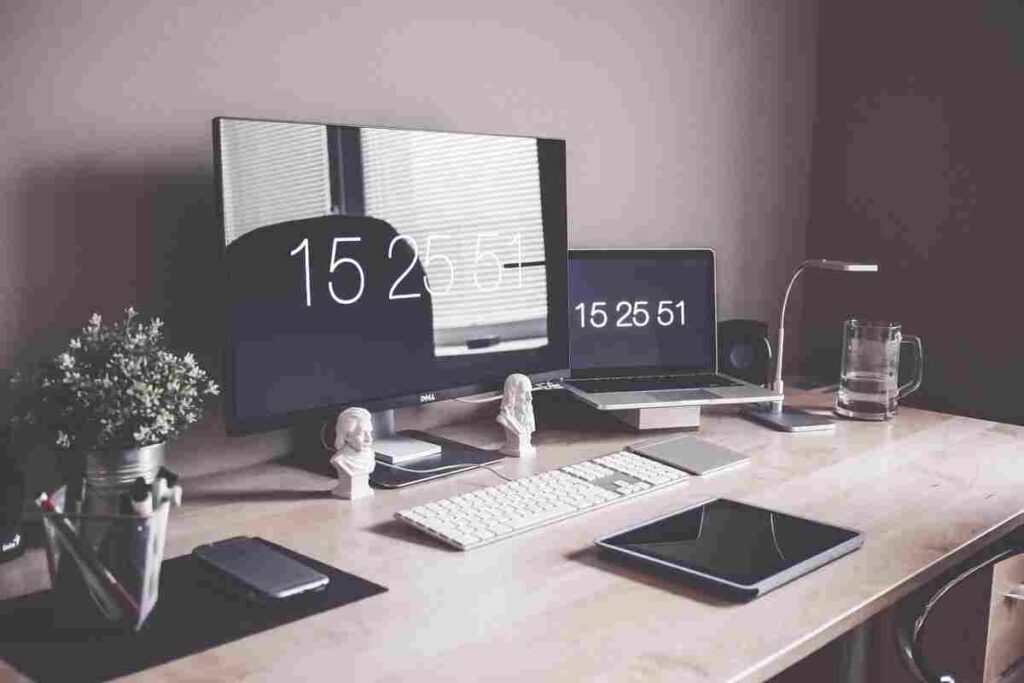
In 2026, more people than ever are creating content from home—YouTube videos, podcasts, social media content, and live streams. But to stand out online, it’s not just about creativity. The right gear matters. In this post, we’ll explore the best accessories for content creators working from home to help you look professional, sound clear, and stay productive.
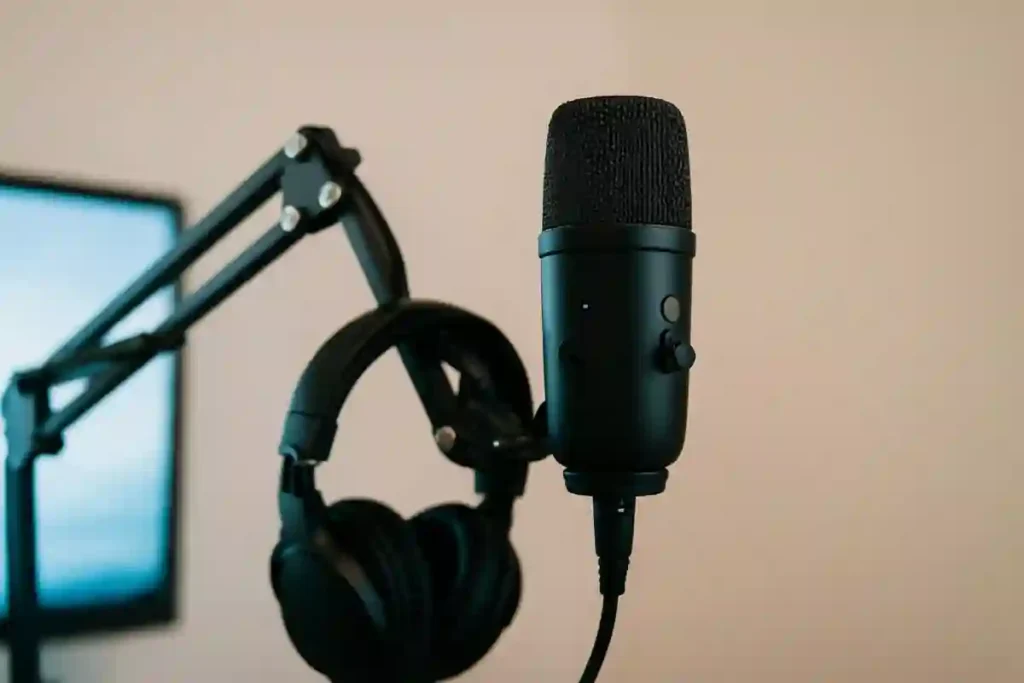
🎤 1. Microphones – Clear Audio is Everything
If you are truly serious about your content, having a good microphone is essential. Whether you’re a YouTuber, podcaster, or streamer, audio quality can make or break your content.
Top Accessories for Content Creators:
- Blue Yeti USB Microphone – Ideal for beginners and intermediate users
- Rode NT-USB Mic – Studio-level sound with USB plug-and-play
Pro Tip: Add a pop filter and mic arm stand for better sound clarity and desk space management.
💡 2. Lighting – Look Your Best on Camera
Good lighting transforms your videos and photos instantly. Natural light isn’t always enough, especially at night or in low-light rooms. Investing in lighting is one of the smartest moves for home-based creators.
Best Lighting Accessories:
- Kreo Ring Light 18″ – Great for face videos and other tutorials
- Godox Softbox Lighting Kit – Professional soft lighting for room-wide setups
- Ulanzi Desk RGB Light Bars – Perfect for setting the mood and creating colourful backdrops
📸 3. Camera or Webcam – Sharp Visuals for Better Engagement
Blurry or pixelated videos? Not anymore. A good camera or webcam improves your content’s quality and viewer retention.
Top Cameras for Content Creators:
- Logitech C920 HD Webcam – Affordable and sharp
- Canon EOS R100 Mirrorless Camera – Perfect for DSLR-quality streaming
Bonus Tip: Use a tripod or webcam mount for stable shots and the right angle.
🎧 4. Headphones – For Editing and Live Monitoring
Clear audio monitoring helps you edit better and avoid feedback during recordings. Go for comfortable headphones with accurate sound.
Recommended Headphones:
- Audio-Technica ATH-M50X – Studio-standard for editing and podcasts
- Sony WH-CH720N – Lightweight with active noise cancellation
- OnePlus Nord Buds 3R – Budget-friendly TWS earbuds with up to 54 hours of playback
🖥️ 5. External Monitor – Multitask Like a Pro
If you edit videos or run multiple programs, a second screen boosts productivity. It helps you preview content while editing, manage scripts, or monitor live chats.
Best Monitors for Creators:
- Acer SA220Q (21.5″) – Affordable choice featuring Full HD
- LG 27US500-W – 4K resolution for professional editing
💻 6. Laptop – The Powerhouse Behind Your Content
Whether you’re editing videos, creating graphics, running multiple browser tabs, or live streaming, a powerful laptop can significantly improve your workflow. For content creators working from home, a laptop with a fast processor, dedicated graphics, and ample RAM is a worthwhile investment.
Recommended Laptop for Content Creators:
HP Victus Gaming Laptop
- AMD Ryzen 7 7445HS Processor
- NVIDIA GeForce RTX 4050 (6GB)
- 16GB DDR5 RAM (Upgradeable)
- 512GB SSD Storage
- 15.6″ Full HD IPS Display
- 144Hz Refresh Rate
- Windows 11 + Microsoft 365
- Backlit Keyboard
Why Creators Love It:
- Smooth video editing in DaVinci Resolve, Premiere Pro, and CapCut
- Handles graphic design tools like Photoshop and Canva effortlessly
- Powerful enough for live streaming and multitasking
- High-refresh-rate display for a smoother editing experience
👉 Check Latest Price on Amazon: HP Victus Gaming Laptop
🎥 7. Tripod or Mount – Stability is Key
Shaky videos ruin viewer experience. A good tripod keeps your camera stable and lets you experiment with different shooting angles.
Top Picks:
- UBeesize Tripod with Remote – Flexible and compact
- Manfrotto Tripod – Trusted brand for camera gear
🎮 8. Stream Deck – Smart Shortcuts for Live Creators
For streamers, video editors, and productivity nerds, a stream deck is a game-changer. Program shortcuts to switch scenes, launch apps, or mute your mic instantly.
Top Pick:
Super easy to customize and ideal for live streaming content:-
- Elgato Stream Deck Mini – Live Content Creation Controller with 6 Customizable LCD Keys.
- Elgato Stream Deck XL – Advanced Stream Control with 32 customizable LCD keys.
🧩 9. Green Screen – Level Up Your Background
Want a clean or creative background without editing? A green screen gives you full control in post-production or live streams.
Best Option:
- Collapsible Green Screen – Durable, portable, and easy to store
🔌 10. Cable Management – Clean Setup, Clear Mind
A messy desk affects your productivity. Keep your setup tidy with cable clips, sleeves, and organizers.
Popular Cable Accessories:
🪑 11. Ergonomic Chair & Desk – Comfort is Productivity
You’ll spend hours working, filming, and editing—so don’t ignore your posture. Check out our Best Home Office Setup for Remote Work guide for ergonomic desk and chair recommendations that boost comfort and focus. A good chair and desk setup prevents back pain and fatigue.
Editor’s Picks:
- Green Soul Zodiac Lite Chair – Great support and design
- Adjustable Standing Desk (Electric) – Alternate between sitting and standing
🔄 Recap – Must-Have Accessories for Content Creators
| Accessory | Why You Need It |
|---|---|
| Microphone | Clear and professional sound |
| Lighting | Bright, consistent video quality |
| Camera/Webcam | Sharper image and better engagement |
| Headphones | Accurate editing and live monitoring |
| Monitor | Better workflow with extra screen space |
| Tripod | Stable and adjustable camera angles |
| Stream Deck | Productivity and streaming shortcuts |
| Green Screen | Creative control over background |
| Cable Management | Neater and distraction-free workspace |
| Chair & Desk | Comfort for long sessions |
Bonus
A smooth, quiet, and responsive keyboard and mouse combo is essential for editing, designing, or scripting. Whether you’re a writer or video editor, the right input tools can improve both speed and comfort.
👉 Read our Wireless Keyboard and Mouse Buying Guide to find the best options for creators in 2026.
Complete Productivity Setup
For creators working from home, I recommend combining these accessories with the tools mentioned above:
- 💻 Laptop HP Victus Gaming Laptop
- 🎒 Laptop Bag – Amazon Basics Laptop Bag
- 🖱️ Wireless Mouse – HP Z3700 Dual Black Mouse
- ⌨️ Mouse Pad – STRIFF Mpad Mouse Mat
This simple setup improves portability, comfort, and productivity while creating content.
🧠 Final Thoughts
If you’re building your brand as a content creator in 2026, having the right accessories can make a huge difference. You don’t need to buy everything at once—start with what you need most and upgrade over time.
These accessories for content creators are designed to help you stay productive, create better quality content, and work comfortably.